The basic workflow
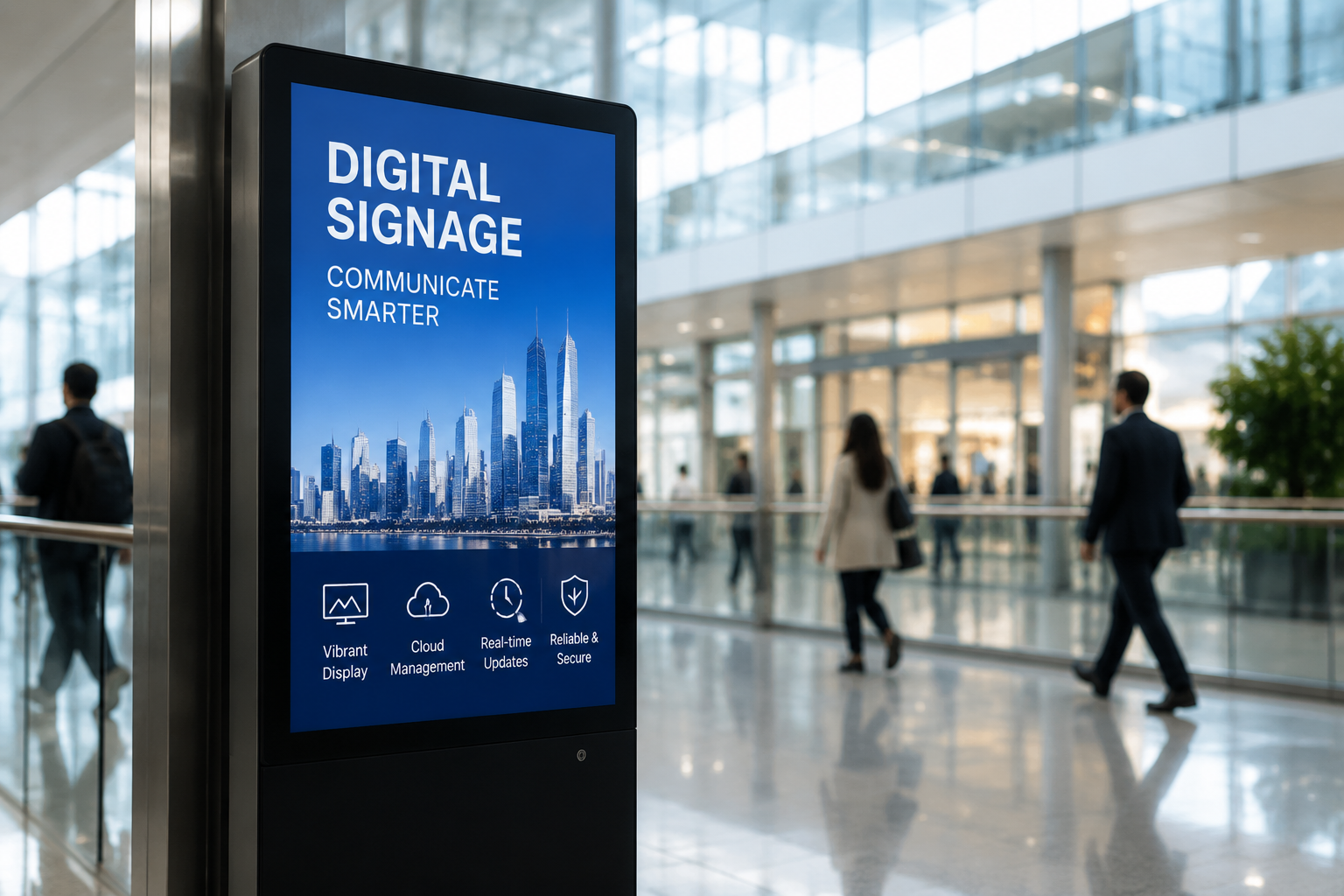
- Connect a display using a compatible player.
- Upload content to the CMS.
- Create playlists and schedules.
- Assign content to screens or groups.
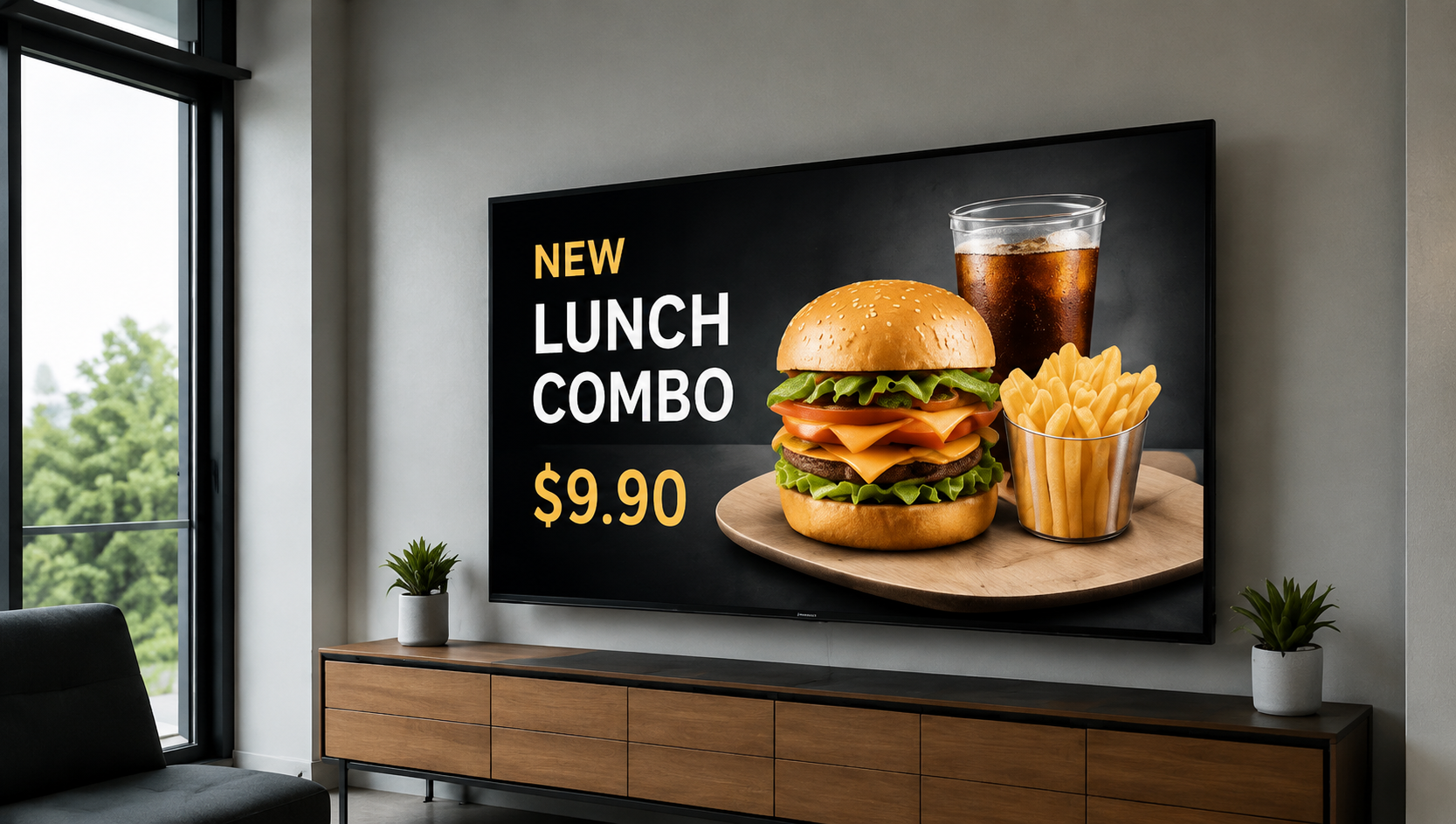
- The player downloads and displays the content.
The role of the CMS
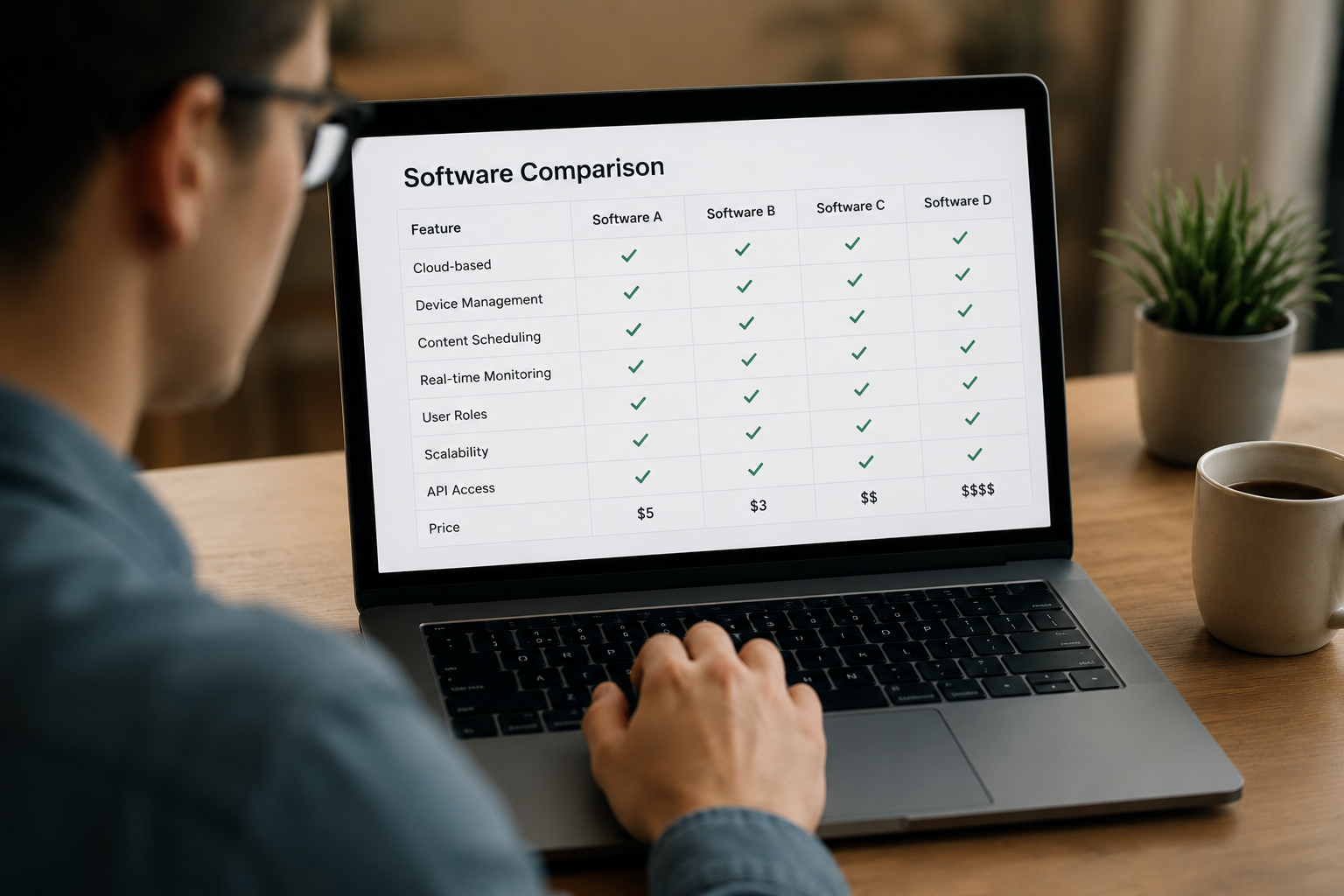
The CMS is the control center. It stores media, manages playlists, defines schedules and controls who can publish content.
The role of the player
The player receives scheduled content, stores it locally and renders it on the display. It can also report status and playback information to the platform.
How remote management works
When screens are connected, administrators can review online status, organize devices into groups and troubleshoot supported devices without visiting every location.