Check the display
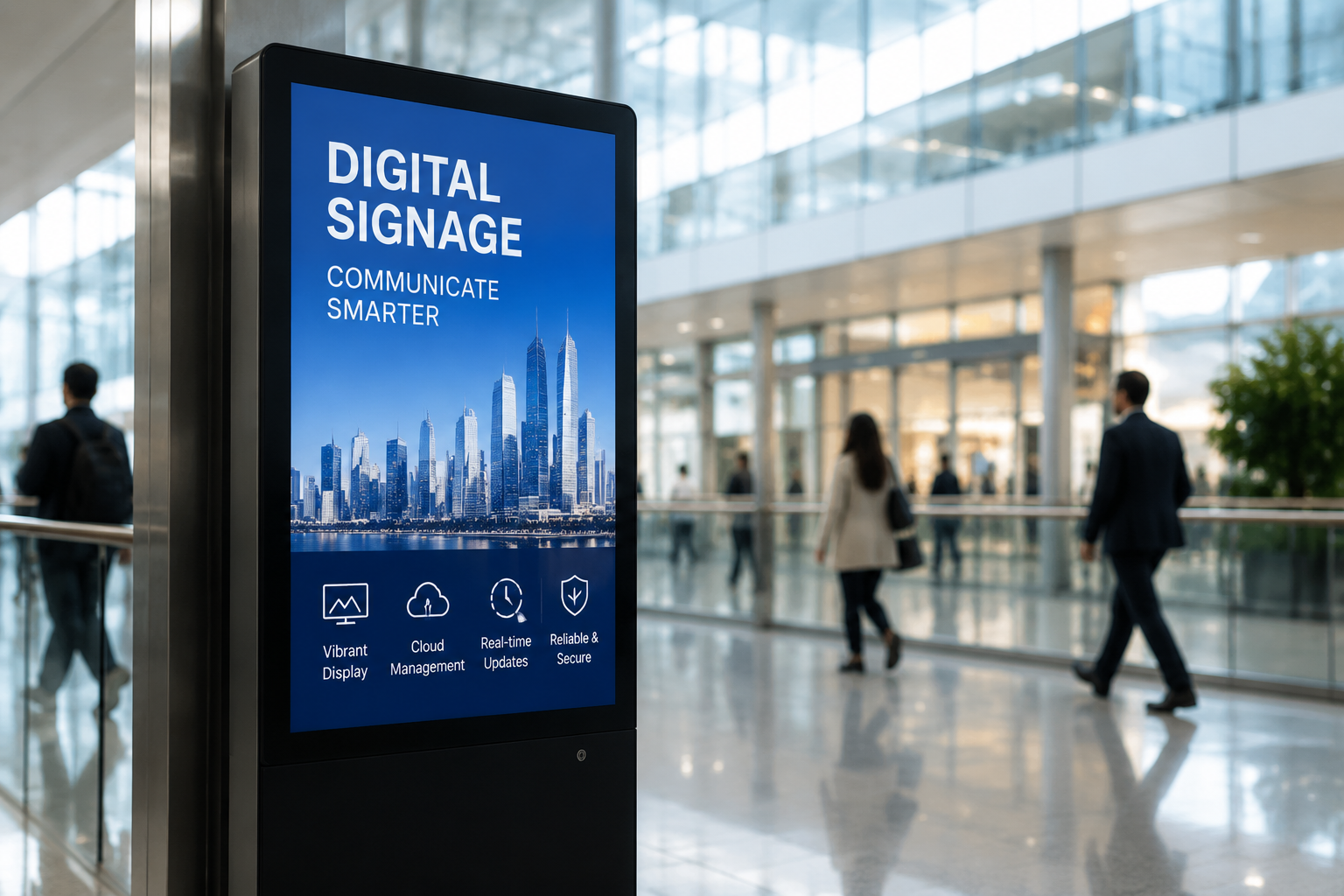
Confirm that the TV has a suitable HDMI input, reliable power and the right placement for business use. For long operating hours, commercial displays may be more appropriate.
Choose a player option
You may use a supported app, Android player, Windows device or dedicated media player. The best option depends on reliability, scale and management requirements.
Connect the screen
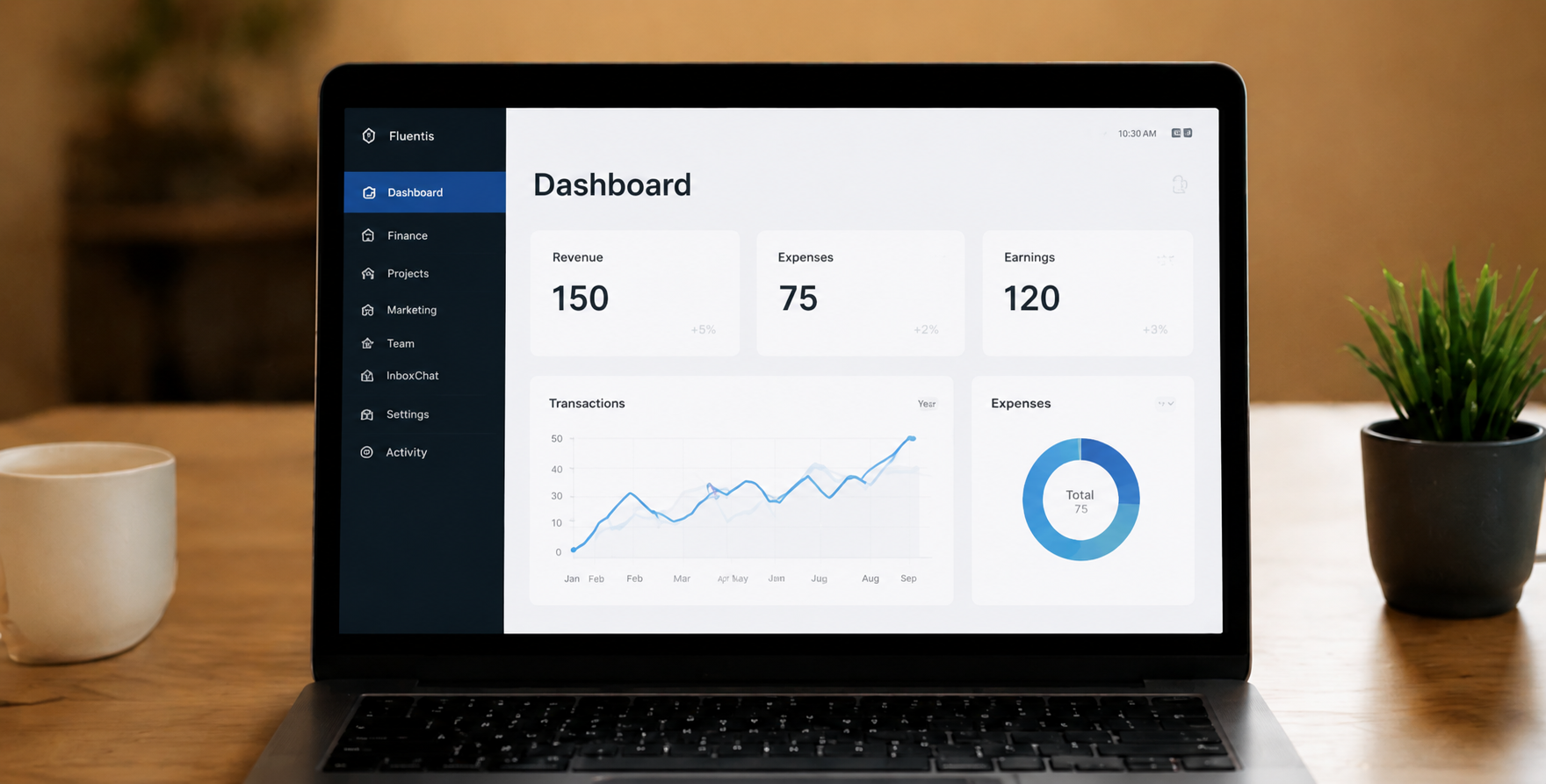
Connect the player to the display and network, then register the device with the digital signage platform.
Create and publish content
Upload media, build a playlist, define a schedule and assign it to the connected screen. Test playback before rolling out to more locations.
Plan for scale
For multi-location projects, standardize hardware, naming, screen groups and installation procedures before deployment.